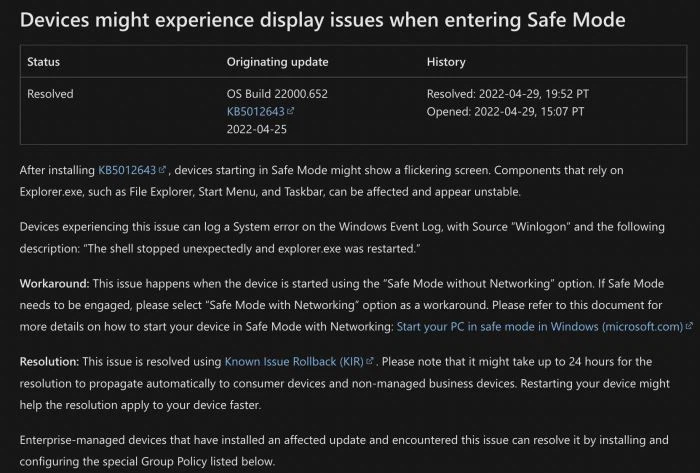
Microsoft announced a series of fixes to the file explorer in the latest Windows 11 preview, including failures that sometimes cause the application to crash. Microsoft claims that it has solved the problems of file resource manager crash and jam. Microsoft said: "using the context menu options of rename, copy, paste, delete and other options on file explorer or desktop should no longer cause explorer.exe to crash when the context menu is dissolved."
At the same time, the new system has several other crash fixes, including a problem related to loading recently used office files in home. This update is now in effect for all users.
Microsoft also said it managed to solve the problem that when you right-click "this computer" in file explorer, the pop-up context menu process will be broken. Last but not least, Microsoft explained that the error that the login button in file explorer may not work has also been fixed. The problem occurs when loading recently used office files, which will trigger explorer Exe crash problem.
To help improve performance, when you open the home page, only pictures and videos now display thumbnails. Update the prompt of the "please log in" button in file explorer from "log in again to fix the authentication problem" to "one of your accounts needs attention so that files from office.com can be displayed on the home page", so as to make its purpose more clear.
Windows 11 build 22610 is now available to insiders of development and testing channels.